
Save Hours Every Week: Productivity Tips for Delivery Drivers and Field Workers
- Authors

- Pierre-Luc Beaudoin
- pierre-luc@suzero.tech
- pierre-luc@suzero.tech
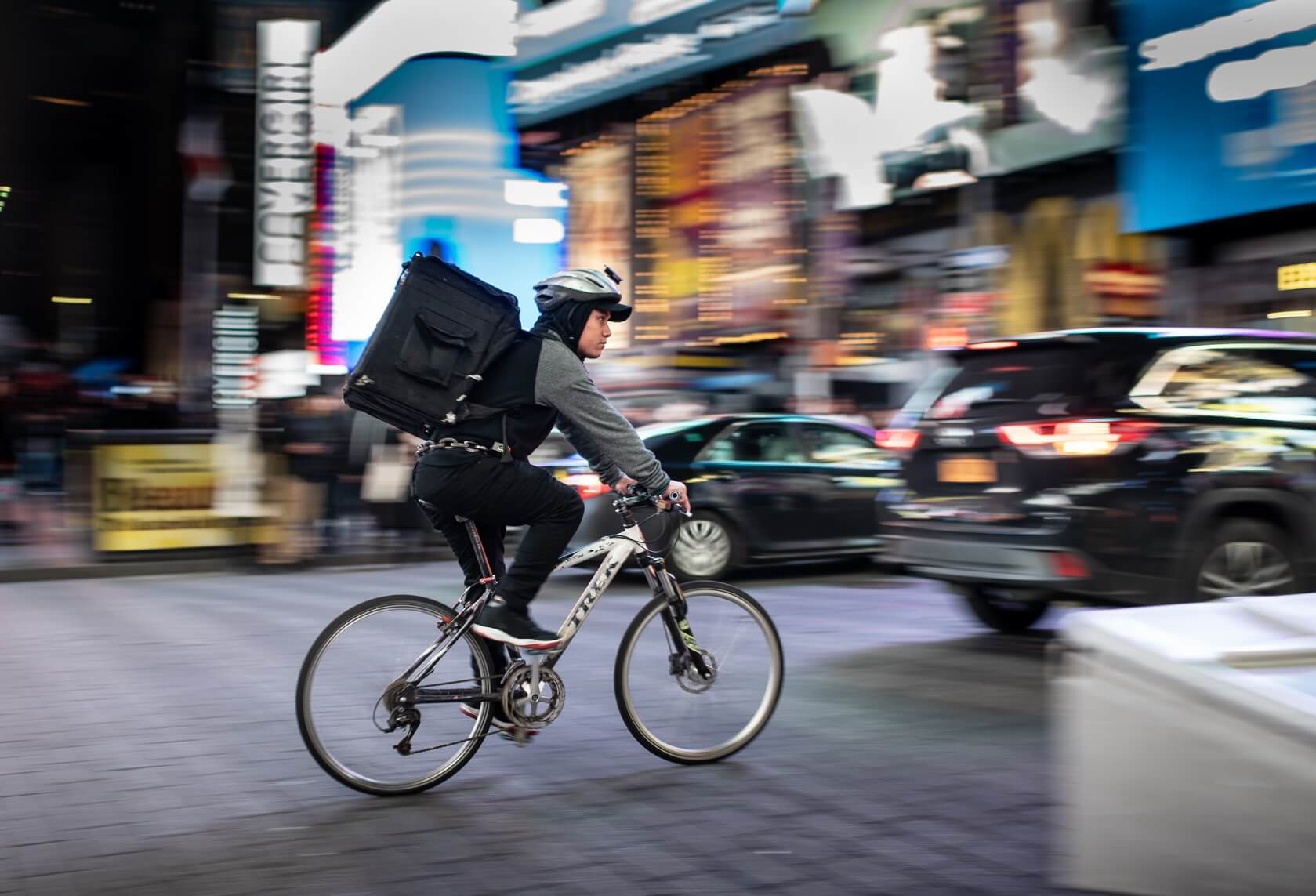
As a delivery driver, salesperson, or service technician, you know that time is money. Every minute spent backtracking, typing addresses, or juggling paperwork is a minute you’re not earning. The good news? A few simple habits—combined with the right tools—can save you hours every week. Here’s how to make your life easier, with Droppath helping you at every step.
1. Stop Typing Addresses One by One #
The tip: Manual address entry is slow and error-prone. A single typo can send you miles off course or leave you circling a neighborhood looking for the right building.
How Droppath helps: Add stops in bulk instead of one at a time. Paste a list of addresses from your dispatch system, spreadsheet, or manifest—Droppath accepts plain text and will parse each line. For packages with barcodes, use the built-in barcode scanner to import addresses directly from PDF417 labels. You can also import from CSV files when you have a larger batch. What used to take 30 minutes can now take under a minute.
2. Let the App Figure Out the Best Order #
The tip: Driving in circles wastes fuel, time, and patience. The order you receive deliveries isn’t necessarily the order you should visit them.
How Droppath helps: Enter your destinations in any order, then tap optimize. Droppath’s algorithms calculate the most efficient visit sequence based on your vehicle type (car, truck, bicycle, or scooter), distance, and travel time. Routes that used to take manual planning can be optimized in seconds—even for hundreds of stops. Learn more about how route optimization works.
3. Set Priorities for Time-Sensitive Stops #
The tip: Some deliveries are more urgent than others. You need a way to ensure important customers get visited first—or last, if they’re near your home base.
How Droppath helps: Use priority levels to mark must-do-first or must-do-last stops. You can also set time windows for deliveries that have specific arrival requirements—Droppath lets you create preset time windows in Settings. The app considers these constraints when optimizing so you meet deadlines without guessing the best order yourself.
4. Manage Customer Expectations With Accurate ETAs #
The tip: Customers get frustrated when you say “I’ll be there by 3” and show up at 4. Setting realistic expectations builds trust and reduces support calls.
How Droppath helps: Droppath calculates estimated arrival times for each stop based on your optimized route, driving time between stops, and the duration you set per location. Use these ETAs when confirming with customers or sending updates. You can adjust default stop durations in settings so estimates stay accurate for your typical workflow.
5. Handle Failed Deliveries Without Starting Over #
The tip: Missing customers, closed businesses, and access issues happen. Manually rebuilding your route from scratch wastes precious time.
How Droppath helps: Mark stops as Success or Failed as you go. For failed deliveries, create a new route from just those stops with one tap—no need to re-enter everything. You can reschedule and optimize the failed stops for another run without disrupting your completed deliveries.
6. Optimize for Your Vehicle—Not Just Any Vehicle #
The tip: A bicycle route should look different from a truck route. One-way streets, bike paths, low bridges, and parking constraints all affect the best path.
How Droppath helps: Choose your vehicle type in settings, and Droppath optimizes routes accordingly. Curbside preferences ensure you approach addresses from the correct side of the street for easier parking and delivery. Get routing that matches how you actually move.
7. Plan Ahead, Navigate Offline #
The tip: Spotty coverage in rural areas or underground parking can leave you without maps when you need them most.
How Droppath helps: Plan and optimize your route while you have connectivity, then use it offline. Droppath stores your route locally so you can follow it even when the network drops. Open Google Maps, Apple Maps, Waze, or TomTom GO for turn-by-turn navigation—and many of those apps support offline maps too.
8. Keep Your Data Private and Under Your Control #
The tip: Delivery manifests often contain sensitive addresses and customer details. You may not want everything living in the cloud.
How Droppath helps: You can use Droppath without creating an account—your routes stay on your device. When you do use sync (e.g., Shared folder across devices), your data remains in your control. No mandatory cloud lock-in.
Start Saving Time Today #
Small changes add up. By streamlining data entry, optimizing route order, respecting priorities, and handling failures efficiently, you can reclaim 1–2 hours per day—or more if you’re doing many stops. Droppath is designed to support these habits without forcing you into complex workflows or expensive fleet software.
 Download for iOS
 Download for Android