

How to create a new route
Droppath makes it simple to build a route from scratch. In this tutorial, we’ll walk you through creating a new route and adding all your stops — ready for when you hit the road!
1. Start a New Route #
Open the Droppath app.
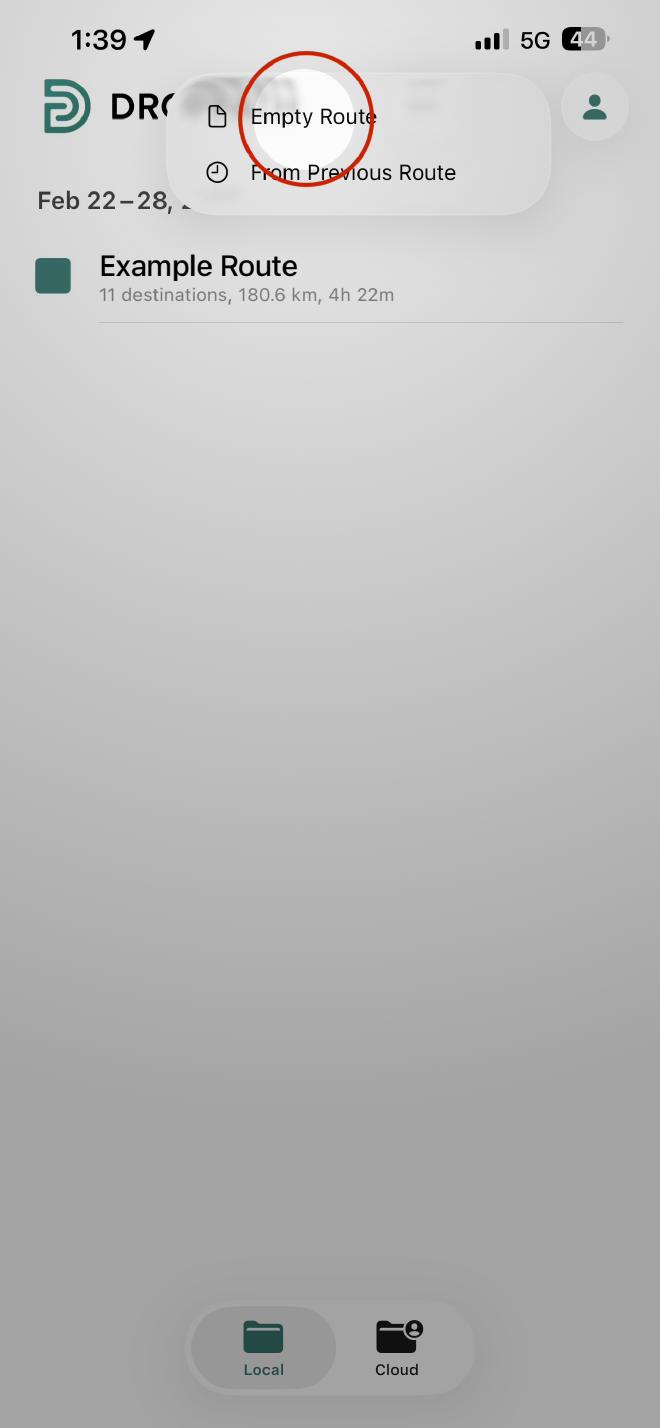
Tap the Plus (+) sign located at the top right of the main screen.
Select Empty Route from the options provided.
2. Add Your Destinations #
To build an accurate route, you need to input your starting point and stops:
Start with your origin: Tap the Plus (+) inside the route and select Current Location to begin from where you are right now, or enter any other starting point.
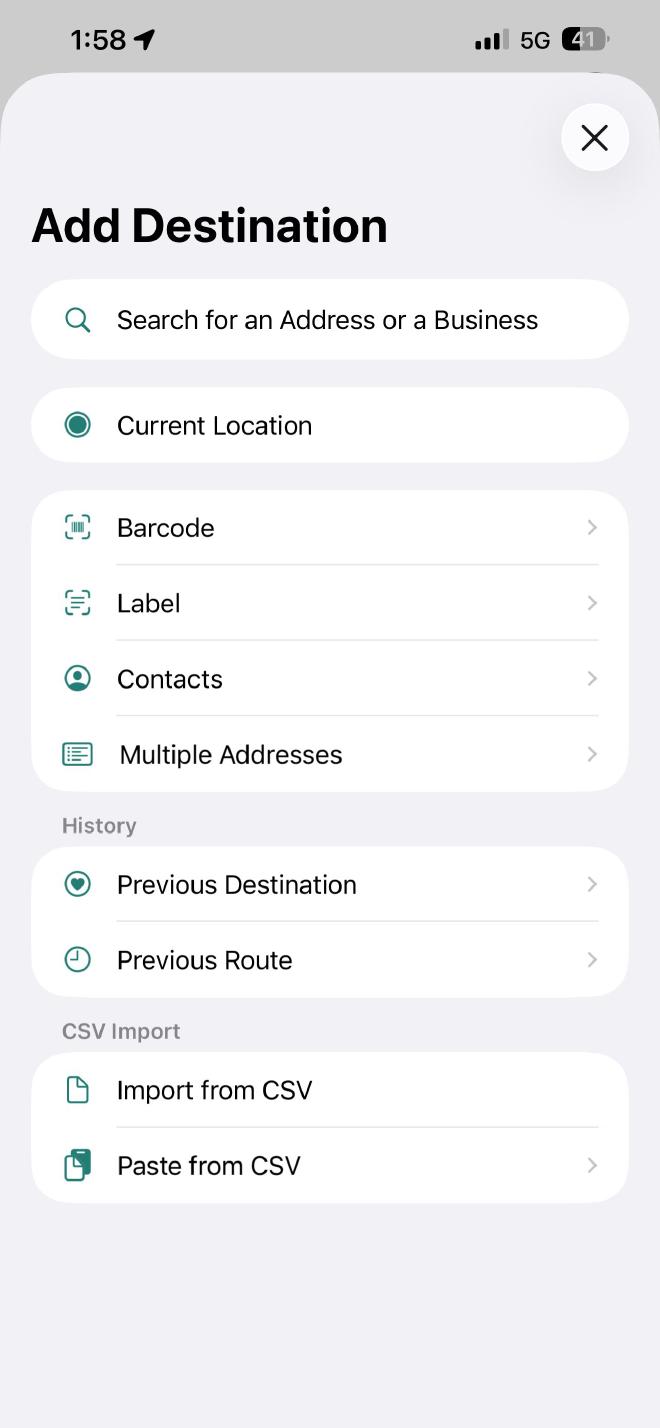
Add stops: Search for specific addresses or business names using the search bar.
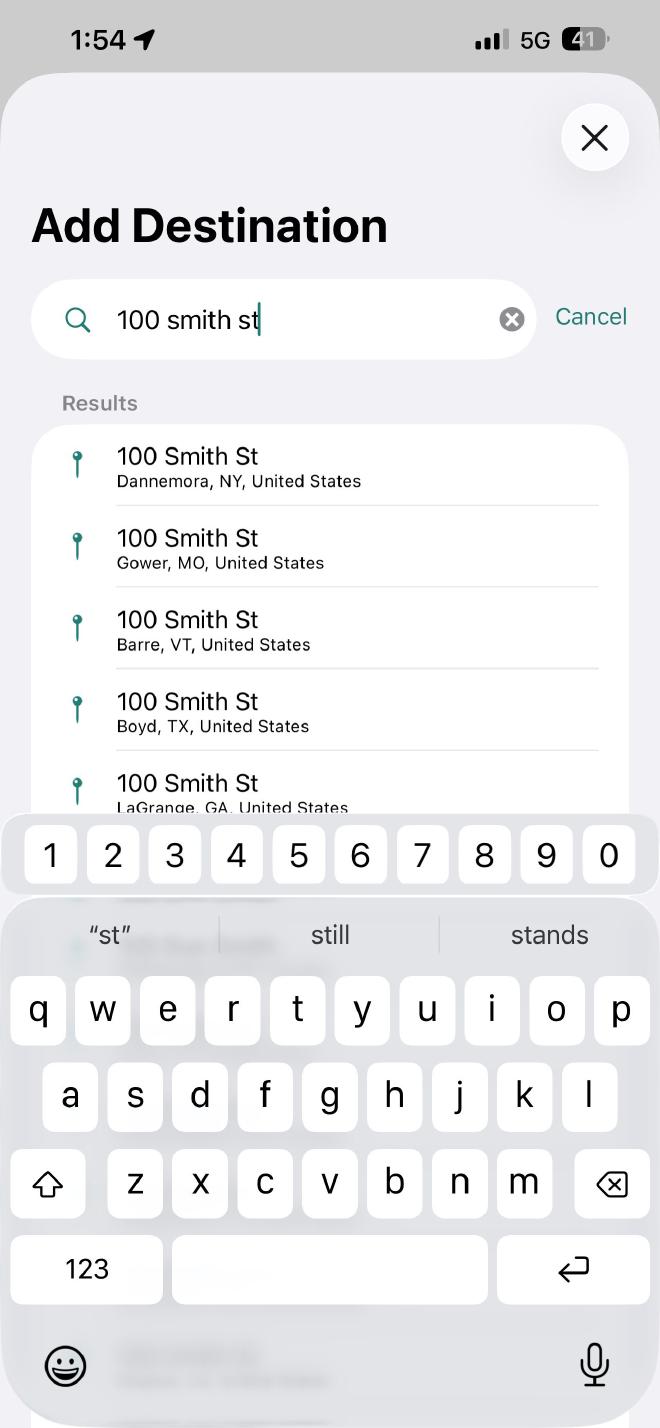
Confirm details: After selecting a destination, you can add extra notes in the pop-up menu or simply tap Add to add it to the list.
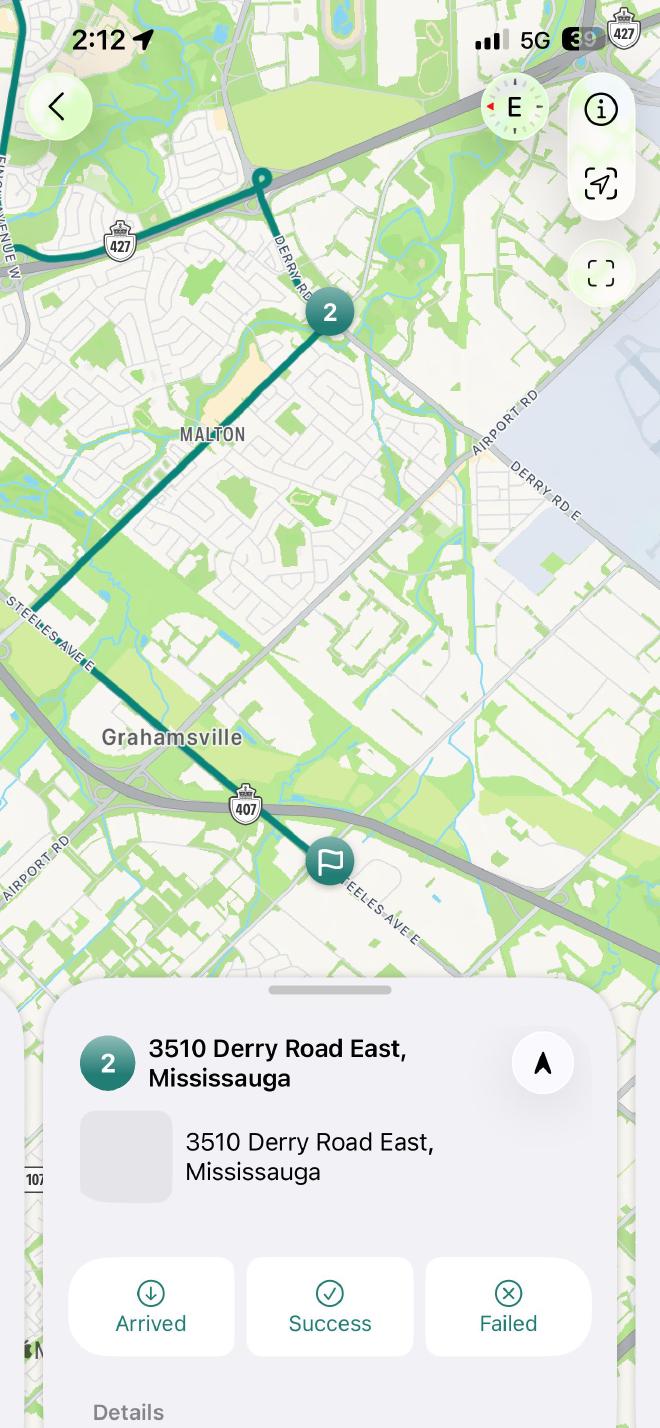
A unique number will be assigned to each destination in the order they are added.
 Download for iOS
 Download for Android