
How to find the best route through your destinations
Once your stops are loaded into Droppath, the app can automatically reorder them into the most efficient sequence — saving you time and fuel. In this tutorial, we’ll cover how to run the route optimization on an existing route.
1. Open Your Route #
Open the Droppath app and select the route you want to optimize from your route list.
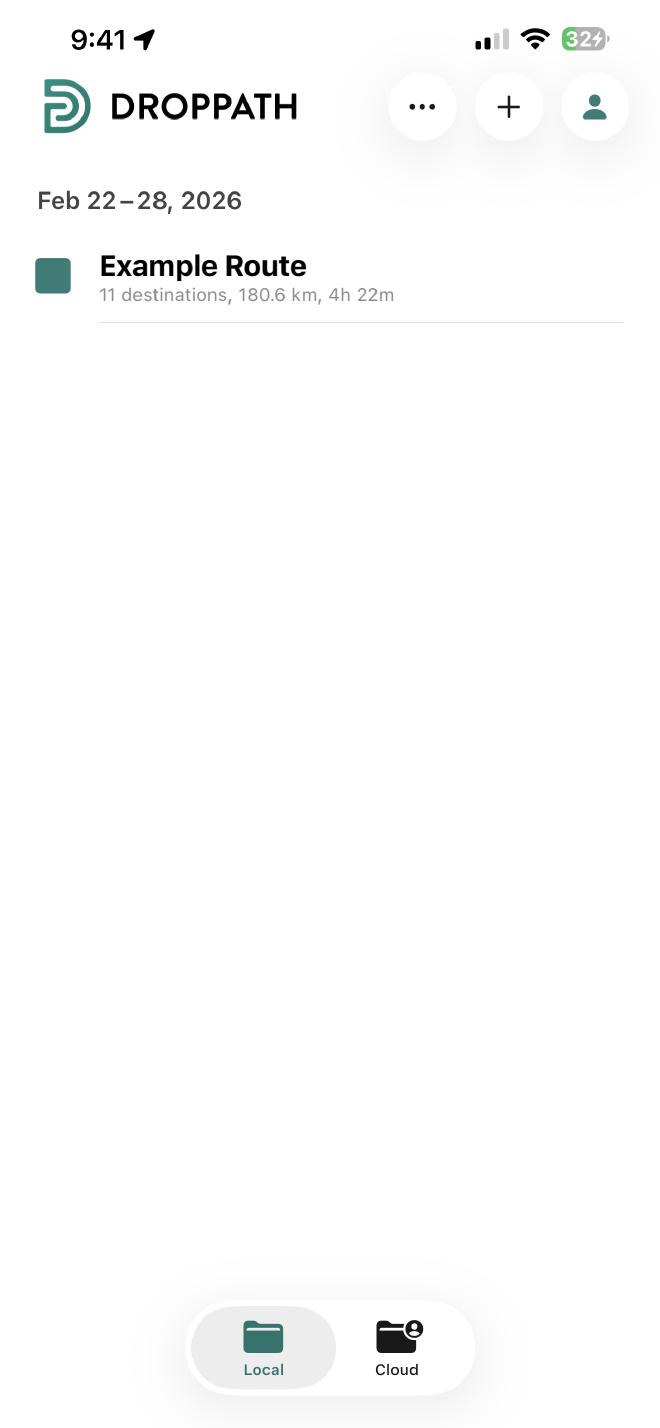
Confirm that all your destinations have been added before proceeding.
2. Run the Optimizer #
Once you have all your stops in place, tap the Lightning icon in the top right of the screen.
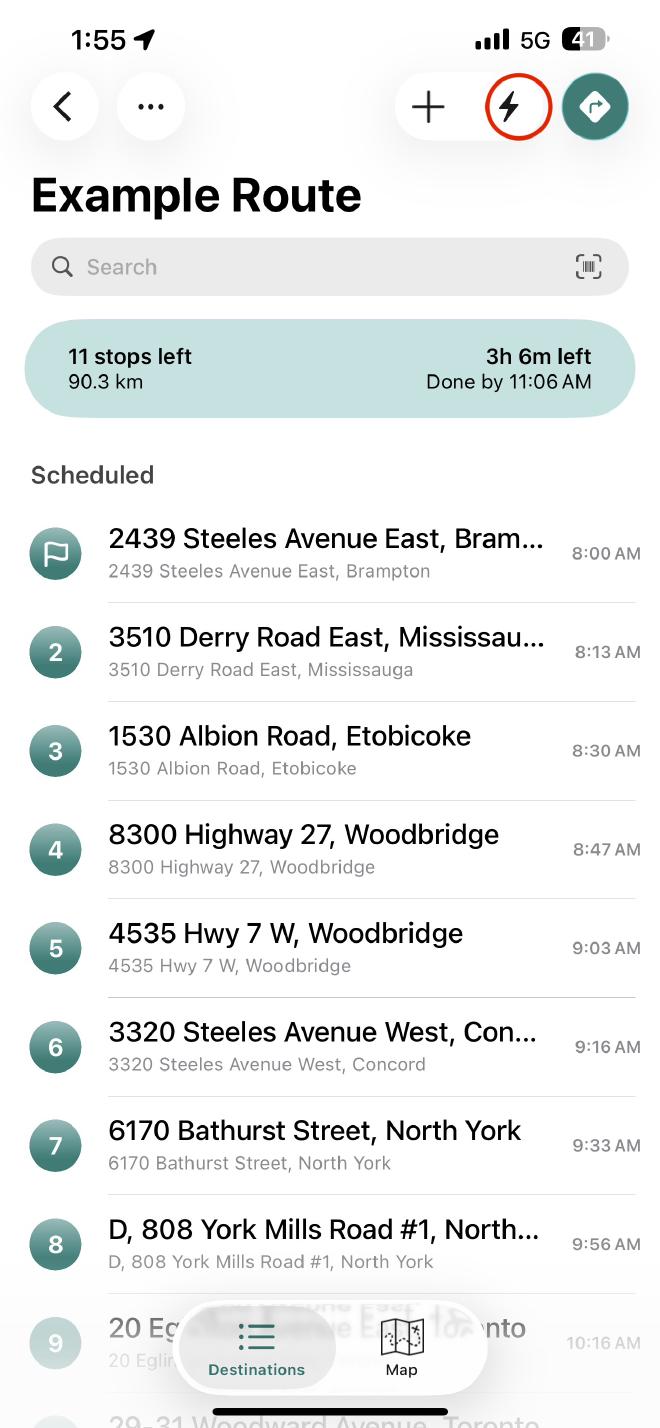
Select the Optimize or Find Best Route option from the menu.
3. Adjust Your Preferences #
Before the app calculates your route, you can fine-tune the results to suit your needs:
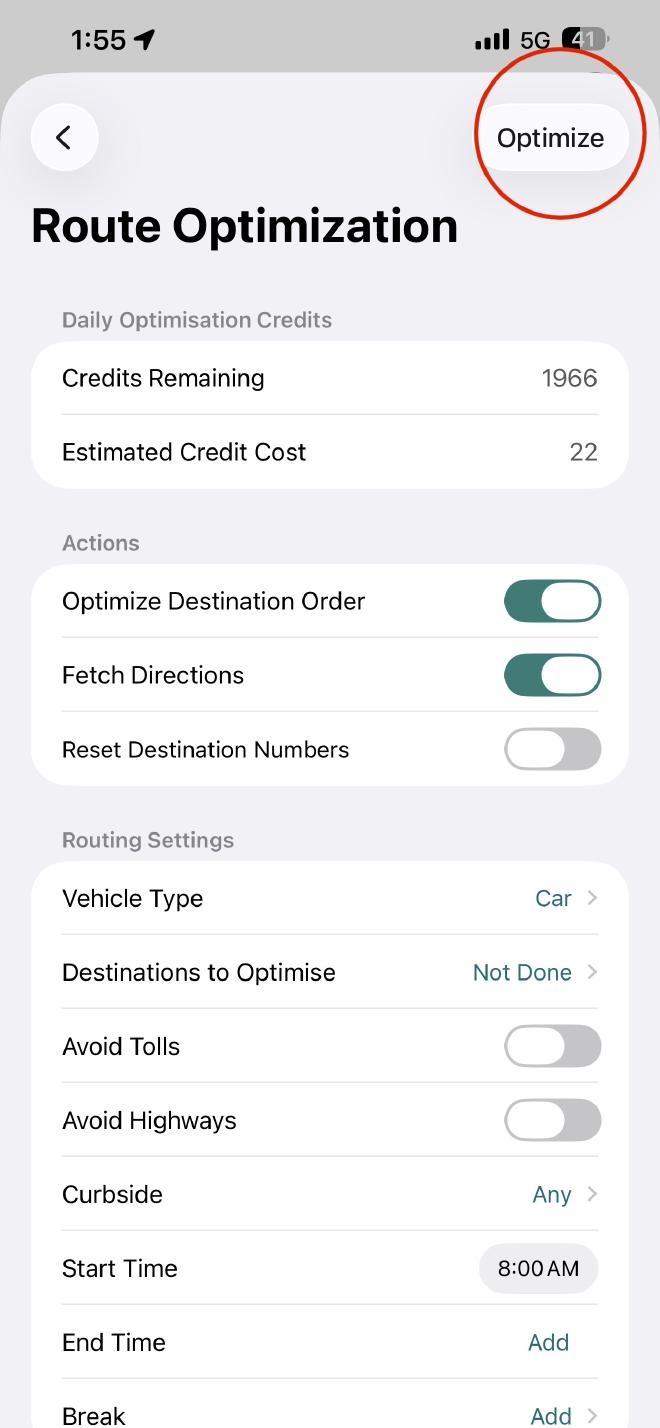
Adjust any specific parameters such as avoiding tolls or selecting your vehicle type.
Tap Optimize when you’re ready. Droppath will reorder your stops into the most logical and efficient sequence.
 Download for iOS
 Download for Android